

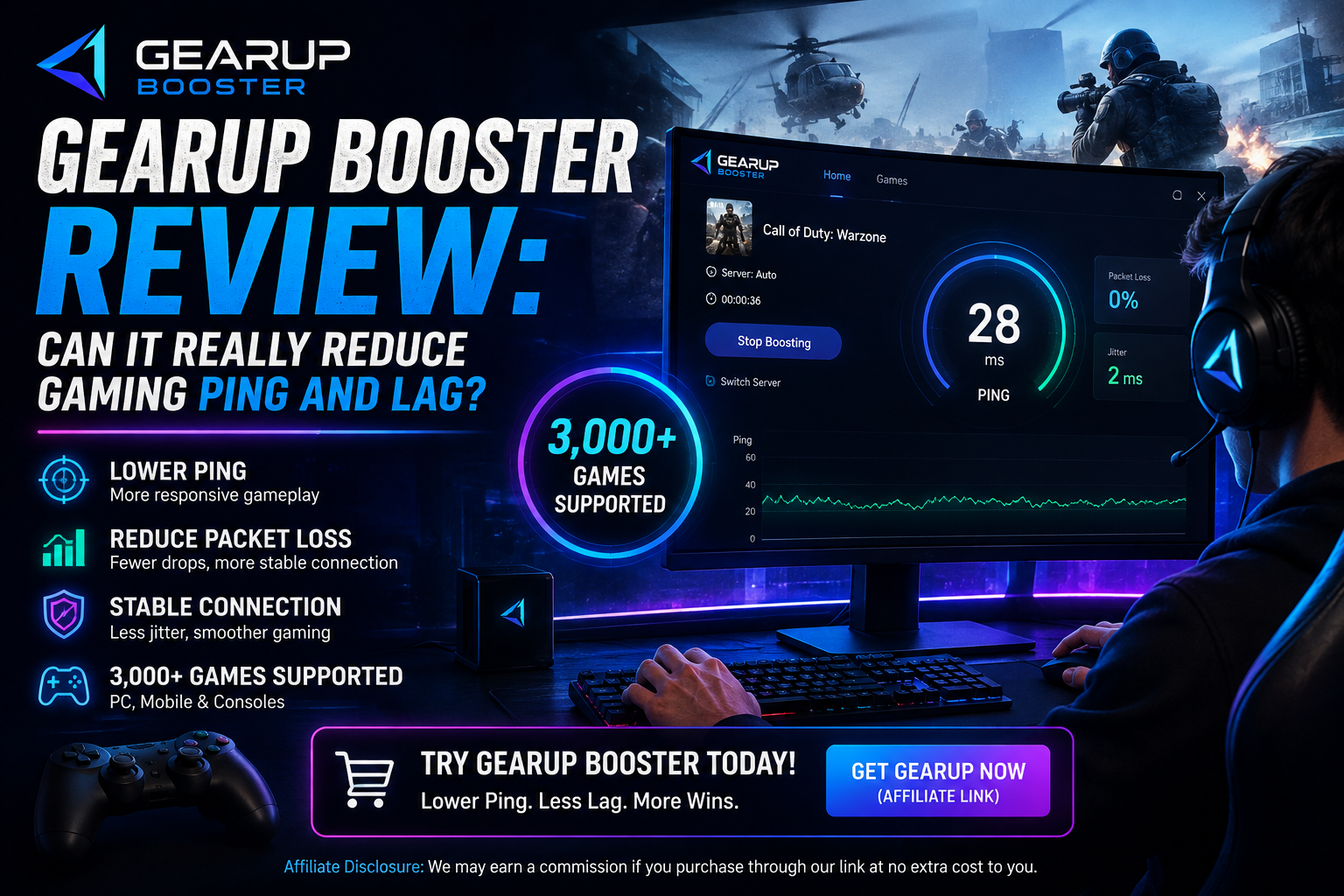
If you play online games, you probably know how frustrating high ping, packet loss, lag spikes, and unstable connections can be. Even when your internet speed looks good, a poor connection route to a game server can still affect your gaming experience.
That is where GearUP Booster comes in.
GearUP Booster is a gaming connection optimization tool designed to help reduce latency, packet loss, jitter, and connection instability. Unlike software that changes your game itself, GearUP focuses on optimizing the network connection between your device and the game server.
But does it actually help? And is it worth paying for?
In this GearUP Booster review, we’ll look at its features, supported games, pricing, advantages, disadvantages, and whether it could be useful for online gamers.
Affiliate Disclosure: This article contains an affiliate link. If you purchase GearUP through our link, AshoBlogs may earn a commission at no additional cost to you. This helps support our website and allows us to continue publishing useful content.
What Is GearUP Booster?
GearUP Booster is a game network optimization service developed to help gamers deal with connection-related problems such as high ping, packet loss, jitter, and unstable connections.
According to GearUP, its technology focuses on connection optimization rather than changing gameplay. The company currently advertises support for more than 3,000 games and reports more than 8 million monthly active users.
The service is designed for gamers who may experience problems when connecting to distant or crowded game servers.
For example, if your connection takes an inefficient route to a game server, your internet may technically be working well while your game still experiences high latency. GearUP attempts to optimize that route.
How Does GearUP Booster Work?
GearUP says it uses its Adaptive Intelligent Routing (AIR) technology to optimize game traffic.
Instead of simply increasing your internet speed, the service focuses on finding optimized network routes for gaming traffic. The goal is to reduce unnecessary instability and improve the connection between your device and the game server.
This is important because a faster internet package does not automatically mean lower gaming ping.
Your gaming experience can also depend on:
- Distance to the game server
- Network routing
- Packet loss
- Jitter
- ISP congestion
- Server location
- Wi-Fi stability
GearUP is mainly designed to address the connection and routing side of these problems.
Key Features of GearUP Booster
1. Ping Optimization
One of GearUP’s main purposes is to help reduce high latency.
Lower ping can make online games feel more responsive, particularly in competitive games where timing is important.
However, the amount of improvement you experience can vary depending on your ISP, location, game server, and existing network conditions.
2. Packet Loss Reduction
Packet loss occurs when some data traveling between your device and the game server fails to reach its destination.
This can result in freezing, rubber-banding, delayed actions, or sudden connection problems.
GearUP is designed to optimize the connection route and help reduce packet-loss-related instability.
3. Jitter and Connection Stability
Ping isn’t the only factor that matters.
If your latency constantly jumps up and down, your game may feel unstable even if your average ping looks acceptable.
GearUP also focuses on reducing jitter and improving connection stability.
4. Thousands of Supported Games
GearUP currently advertises support for 3,000+ games, with games available across Windows, mobile, and console platforms.
Popular games shown by GearUP include:
- PUBG: BATTLEGROUNDS
- Fortnite
- Valorant
- Counter-Strike 2
- League of Legends
- Call of Duty
- Apex Legends
- Dota 2
- Roblox
- Escape from Tarkov
- Dead by Daylight
- Arena Breakout: Infinite
The supported-game library is regularly updated, so it’s a good idea to check the official list before subscribing if you have a specific game in mind.
5. Multi-Platform Support
GearUP isn’t limited to Windows PCs.
Its official website lists support for platforms including:
- Windows
- Android
- iOS
- PlayStation
- Xbox
- Nintendo Switch
- Steam Deck
- PICO
- Oculus Quest
The exact features available can vary depending on the platform and product version.
GearUP Booster Pricing
GearUP uses a membership/subscription model, and pricing can depend on the platform and membership type.
For example, GearUP’s current official shop lists a GearUP Mobile Membership at $6.99 for one month and a GearUP Router Membership at $9.99 for one month.
GearUP also advertises a free trial. Its user agreement states that the standard free-trial period may be three days, unless a different period is specified during signup. Users should check the exact trial and subscription terms shown at checkout because offers can vary.
Important:
If you start a free trial, check the renewal terms carefully. GearUP’s agreement states that a paid subscription can begin automatically after the trial unless it is cancelled before the trial ends.
Pros and Cons of GearUP Booster
Pros
- Designed specifically for gaming connections
- Can help with high ping and unstable routes
- Focuses on packet loss and jitter
- Supports thousands of games
- Available across multiple platforms
- Free trial available
- Does not modify gameplay itself
- Simple game-boosting approach
Cons
- It cannot guarantee lower ping for every player
- Results depend on your location and network
- It is a subscription service
- Some features and prices vary by platform
- A network optimizer cannot fix every gaming problem
Is GearUP Booster Worth It?
The answer depends on your particular connection.
If your games already run smoothly with stable ping and little packet loss, you may not notice a major difference.
However, GearUP could be worth trying if you regularly experience:
- High ping
- Packet loss
- Sudden lag spikes
- Unstable connections
- Problems connecting to overseas servers
- Inconsistent latency during online matches
The biggest advantage is that you can test the service before deciding whether it makes a meaningful difference for your connection.
Instead of assuming it will automatically lower your ping, compare your connection before and after using it.
Our Verdict
GearUP Booster is worth testing if connection problems are affecting your online gaming experience.
It doesn’t increase your internet speed or magically eliminate every type of lag. Instead, it focuses on optimizing the route used by gaming traffic.
For gamers dealing with poor routing, packet loss, or unstable connections, that approach can be useful.
For gamers who already have an excellent connection, however, the improvement may be limited.
How to Get GearUP Booster
If you want to try GearUP Booster, you can start through our affiliate link below.
👉 Try GearUP Booster
GearUP currently offers a free trial, so you can test how it performs with your own connection before deciding whether a paid membership is worthwhile.
Frequently Asked Questions
Does GearUP Booster really reduce ping?
GearUP is designed to optimize gaming traffic routes and help reduce latency, packet loss, and jitter. However, results vary depending on your ISP, location, game server, and network conditions.
Is GearUP Booster safe?
GearUP describes its service as a connection optimization tool that does not modify gameplay. However, gamers should always follow the rules and terms of the game they are playing.
Does GearUP increase internet speed?
No. GearUP is primarily designed to optimize the connection route for gaming traffic. It is not an internet-speed upgrade.
How many games does GearUP support?
GearUP currently advertises support for more than 3,000 games across different platforms.
Does GearUP support mobile gaming?
Yes. GearUP has products for mobile gaming, including Android and iOS support.
Is there a free trial?
Yes. GearUP advertises a free trial. The standard trial described in its user agreement is three days unless another period is specified during signup.
Can GearUP fix all lag?
No. Gaming lag can have many causes, including weak Wi-Fi, hardware limitations, overloaded servers, insufficient system resources, and problems with your ISP. GearUP primarily targets network-related issues.
Final Thoughts
Online gaming performance isn’t only about having a fast internet connection. Network routing, latency, packet loss, and stability can all affect how a game feels.
GearUP Booster takes a network-optimization approach by attempting to provide more efficient routes for gaming traffic.
With support for thousands of games, multiple platforms, and a free trial, it may be worth testing if you’re regularly dealing with high ping or unstable connections.
If you’re tired of lag and want to see whether optimized routing can improve your gaming experience, you can try GearUP Booster through our link below.
🎮 Ready to Test It?
Affiliate Disclosure: AshoBlogs may receive a commission if you purchase GearUP through our affiliate link. This does not increase the price you pay.
SEO Information
SEO Title:
GearUP Booster Review: Can It Really Reduce Gaming Ping and Lag?
Meta Description:
Is GearUP Booster worth it? Read our GearUP Booster review covering ping reduction, packet loss, supported games, pricing, pros, cons, and free trial.
Suggested URL Slug:gearup-booster-review
Focus Keyword:
GearUP Booster review
Secondary Keywords:
- GearUP Booster
- GearUP Booster review
- reduce gaming ping
- gaming lag solution
- reduce packet loss
- game booster
- gaming ping optimizer
- GearUP Booster pricing
- GearUP Booster free trial
Suggested Featured Image Alt Text:
GearUP Booster review for reducing gaming ping and lag
Suggested CTA Button Text:
Try GearUP Booster